
Double Ender icon

Double Ender

Sync local podcast recording files before you edit.

Download

Requires macOS Sequoia or later  ·  Version 1.7

For podcast editors

Get multi-ender recordings to line up.

Podcasts are frequently recorded over VOIP apps, with each participant using a local recording to ensure the highest quality. But nobody presses record at the same time, meaning you've got to spend time lining everyone up to a reference file (one containing all the voices together) before you can get to editing. What's worse, different audio devices can record at slightly different speeds, causing audio to drift out of sync over time. Double Ender is a free utility that syncs local audio recordings to a reference file so they all start at the same moment and stay in sync, without drift.
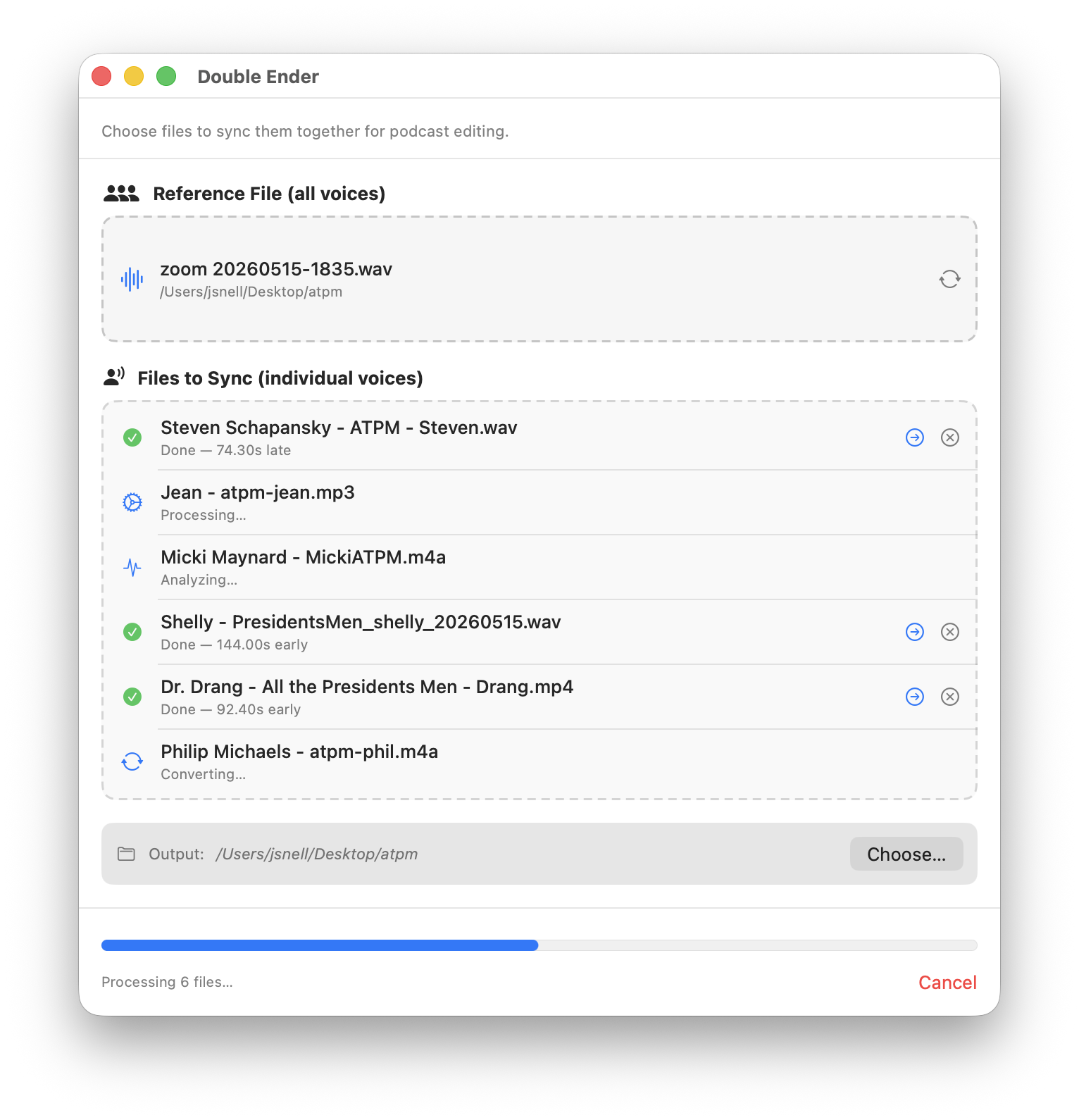
Double Ender screenshot

How it works.

Double Ender converts all files to Mono WAVs for editing. If files are recorded at slightly different rates, causing drift, it patches or removes areas of silence to offset the drift. If someone had to stop recording and then record a second file, it detects this, matches them, and syncs them together into one file. Exported files are labeled and named; your originals are untouched.

Version history.

1.7
  • Auto detect multiple sequential recordings from same person and merge into single, synced output file.
  • Cancel button is a proper button.
1.6
  • Rebuild of syncing method to scan the entire file, so sync over very long durations (30 minutes late or more) should be caught. (Thank you Shelly!)
  • Drift detection method rebuilt
  • Fixed some code conflicts
  • Unified the drop-zone pickers
  • Added Clear All menu item
  • If reference file isn't a mono WAV, leaves behind a mono WAV.
1.5
  • New, even more clever icon.
  • Added File menu and keyboard shortcuts for choosing files.
1.4
  • Support for 48kHz reference files (thanks, Michael)
  • Bug fixes including cold-launch URL drops, wrong-channel analysis, incomplete Cancel button, name and name collisions (thanks, Fable)
1.3
  • Better buttons and symbols
  • Auto-resizing main window
  • Default button grayed out properly
  • Foreground progress bar on Finder actions
  • About Box is more centered
1.2
  • UI polish (buttons!) and bug fixes
  • Better handling of stereo files with sound in weird places
  • Support for Finder labels
  • Less intrusive background operation when running from Finder service
  • macOS Sequoia support
1.1
  • Preferences window — control auto-populate, file renaming, completion sound, and loudness normalization
  • About window
  • Sync Files menu command (⌘S)
  • Loudness normalization: optionally normalize synced files to -16, -19, or -23 LUFS
  • Auto-update support via Sparkle